
Free Online QR Code Generator
Create high-quality, customizable, and beautiful QR codes for links, files, Wi-Fi, text, and more—with no login, ads, or scan limits.
Key Features
QR Code Expert combines powerful QR code customization with dynamic links, advanced scan analytics, email scan notifications, and more. Choose from Classic, Artistic, ASCII, or AI Creativity styles, fine-tune QR properties, check scannability, and download your codes in high-resolution formats.
100% Ad-Free & No Login Required
Generate unlimited QR codes without interruptions, signups, pop-ups, or scan limits.
Unmodified Links (Static QR)
Your URLs remain unaltered—no hidden redirects, no link rewriting, and no unwanted tracking unless you explicitly enable analytics.
Editable QR Codes (Dynamic QR)
Update the destination link or replace uploaded file without regenerating the QR code. Perfect for campaigns, menus, flipbooks, and evolving content.
Built-in Link Shortener & Advanced Analytics
Convert long links into smaller, more efficient QR codes and use advanced scan analytics to understand your audience.
File-to-QR Code Generation
Easily upload and convert files into QR codes. Share PDFs, images, documents, TXT files, and other files instantly with a simple scan.
PDF-to-Flipbook QR Codes
Convert PDFs into beautiful interactive flipbooks and generate QR codes that instantly open them online. Perfect for catalogs, magazines, restaurant menus, brochures, presentations, and digital publications.
More QR Code Data Types
Create QR codes for Wi-Fi networks, static text, email, phone, SMS, business cards using vCard 3.0, and calendar events using iCalendar. Make sharing information quick and easy with a simple scan.
QR Codes That Never Expire
Your QR codes remain active indefinitely—no expiration dates, no hidden limits, and no surprises.
Instant QR Code API
Generate QR codes instantly via URL. Simply open https://qrcode.expert/?data=YOUR_LINK_OR_TEXT to create and display a code automatically—perfect for automation and integrations.
Multiple Download Formats
Export your QR code in high-resolution SVG, PNG, WEBP, JPEG, PDF, and TXT formats for print, digital, or terminal (console) use.
Privacy-Focused Browser Generation
Classic, ASCII, and Artistic QR codes are generated in your browser, making these styles privacy focused.
Batch QR Code Generation
Generate multiple QR codes at once with an easy step-by-step wizard. Save time creating QR codes in bulk for campaigns, products, events, and more.
Classic, Artistic, ASCII & AI-Generated QR Codes
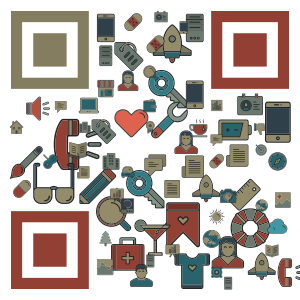
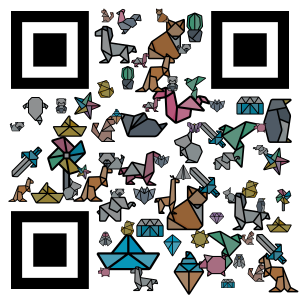
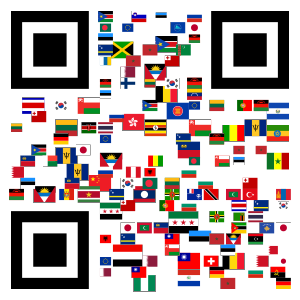
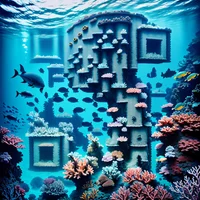
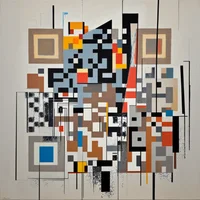
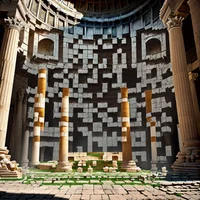
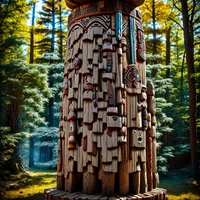
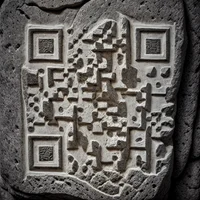
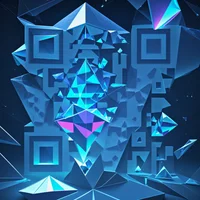
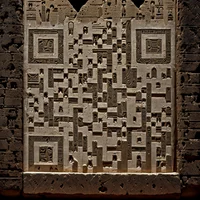
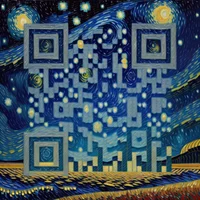
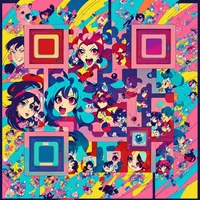
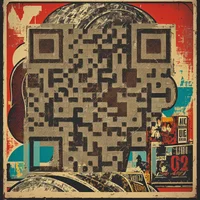
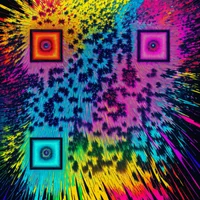
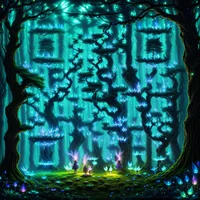
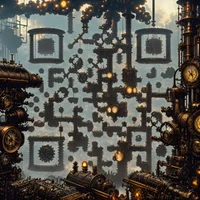
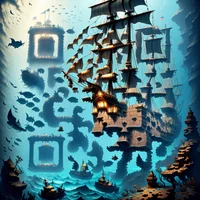
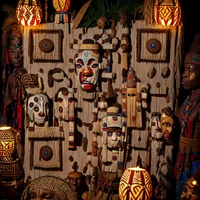
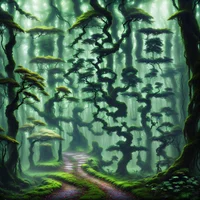
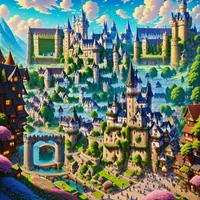
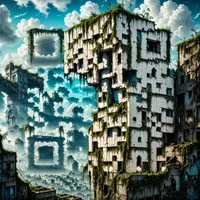
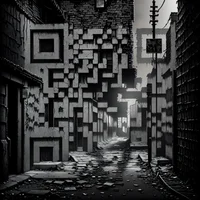
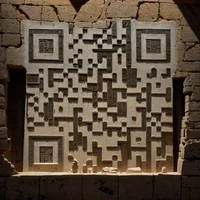
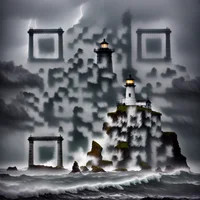
Create standard professional QR codes or upgrade to visually rich, eye-catching designs. AI Creativity design offers countless visual styles, AI model selection, prompt improvement, and logo support. Create unique QR codes that fit your brand, campaign, or creative project. No design or AI skills required — just describe your vision and create a QR code that’s both stunning and reliably scannable.

Dynamic QR Codes, Flipbooks & Advanced Tracking
Go beyond static QR codes. With dynamic QR codes, you can edit destinations anytime, track scans in real time, manage uploaded files, and even share interactive PDF flipbooks without reprinting or redistributing codes. Whether you’re running marketing campaigns, updating restaurant menus, publishing digital catalogs, or sharing evolving content, QR Code Expert gives you full control and insights.

Never Miss a QR Code Scan
Stay informed about your QR code performance without constantly checking your dashboard. Get instant email alerts whenever your QR codes are scanned, or choose daily, weekly, or monthly summaries to keep track of scan activity on your schedule.

Advanced Customization Options
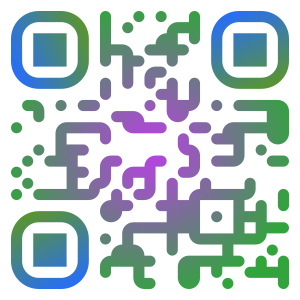
Custom colors & gradients
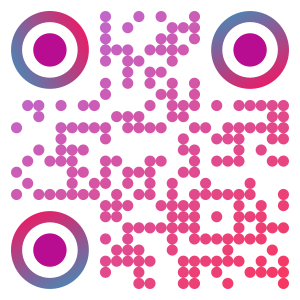
Dot & marker pattern selection
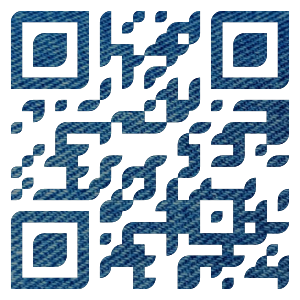
Dot overlay image
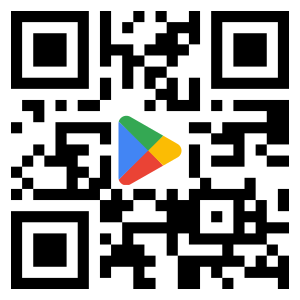
Add a logo to the QR code
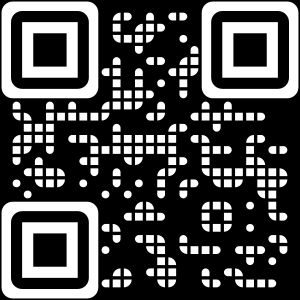
Inverted style (black background with white dots)
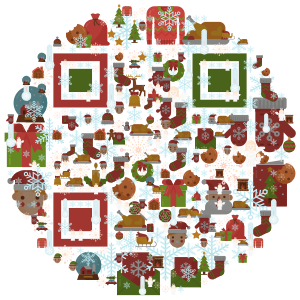
Circular QR code shape
GIF background for eye-catching animated QR codes
Beautiful Artistic QR Code Examples
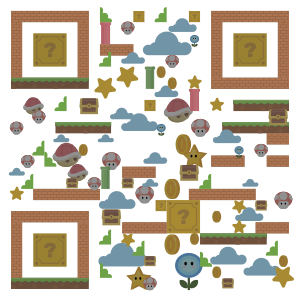


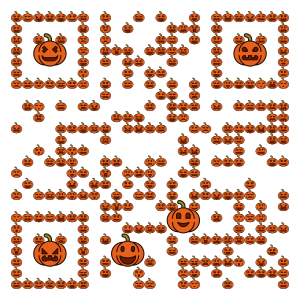
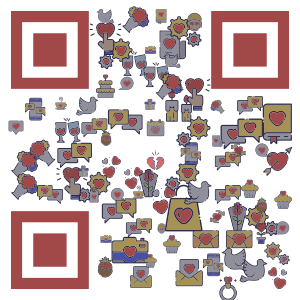
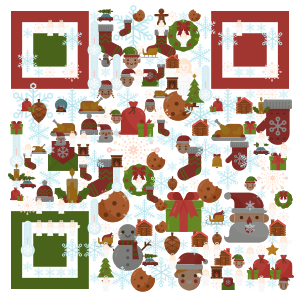
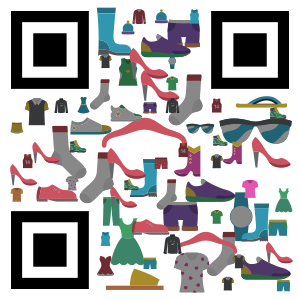
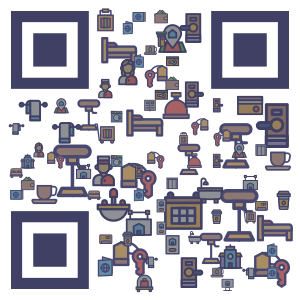
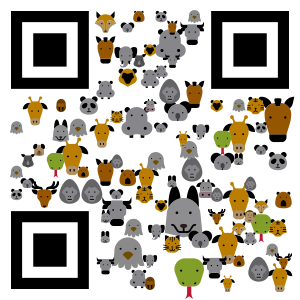
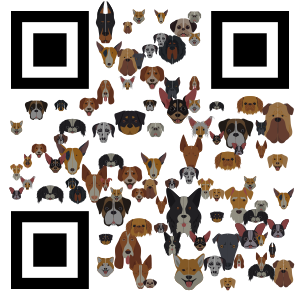
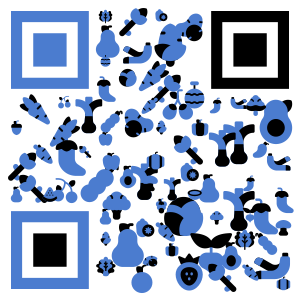
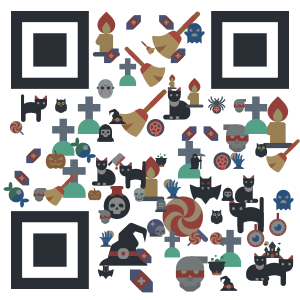
Beautiful AI-generated QR Code Examples









































Frequently Asked Questions
Yes. QR Code Expert is free, has no ads, requires no login, and does not impose scan limits.
No. You can create QR codes without logging in or creating an account.
You can create QR codes for static or dynamic links, static text, Wi-Fi, files such as images and PDFs, PDF flipbooks, email, phone, SMS, business cards using vCard 3.0, and calendar events using iCalendar.
Yes. Link QR codes can be static or dynamic, and the service includes link shortening plus advanced scan analytics.
Yes! Enable free email scan notifications to stay informed whenever your QR code is scanned. Choose instant alerts or daily, weekly, or monthly summaries of your scan activity.
You can choose from Classic, ASCII, Artistic, and AI Creativity QR code designs.
Yes. You can change QR code properties including the error correction level, rotation, and mask pattern.
Yes. Classic, ASCII, and Artistic QR codes are generated in the browser, making these styles privacy focused.
Classic QR codes support extensive browser-based customization, including animated backgrounds, QR code shape, and logos.
ASCII QR codes are generated in the browser and can use black or white text patterns with half, full, or double character sizes.
Yes. Artistic QR codes are designed to remain highly scannable while supporting custom backgrounds, shapes, and logos.
AI Creativity provides many generation settings, AI-assisted prompt improvement, logo support, and a choice of AI model.
You can download QR codes as high-resolution SVG, PNG, WEBP, JPEG, PDF, or TXT files.
Yes. The scannability checker tests the generated QR code with popular scanners, including the native scanner available on the platform.
Yes. Those QR code styles are generated in the browser, so the creation process is privacy focused.
Yes. Our Batch QR Code Generation feature lets you create multiple QR codes at once, saving you time when generating codes for products, events, campaigns, and other use cases.
No. All features are available without scan limits.
Perfect For
Marketing campaigns, business promotions, digital catalogs, PDF flipbooks, brand identity, product packaging, events, advertising, digital content sharing, restaurant menus, retail displays, customer engagement, educational materials, networking, interactive experiences, brochures, magazines, portfolios, and seamless sharing across print and online media.